
 Modeller
Install Forsk
Forsk installs from Rhino’s own Package Manager. You don’t need a Terminal or anything else.
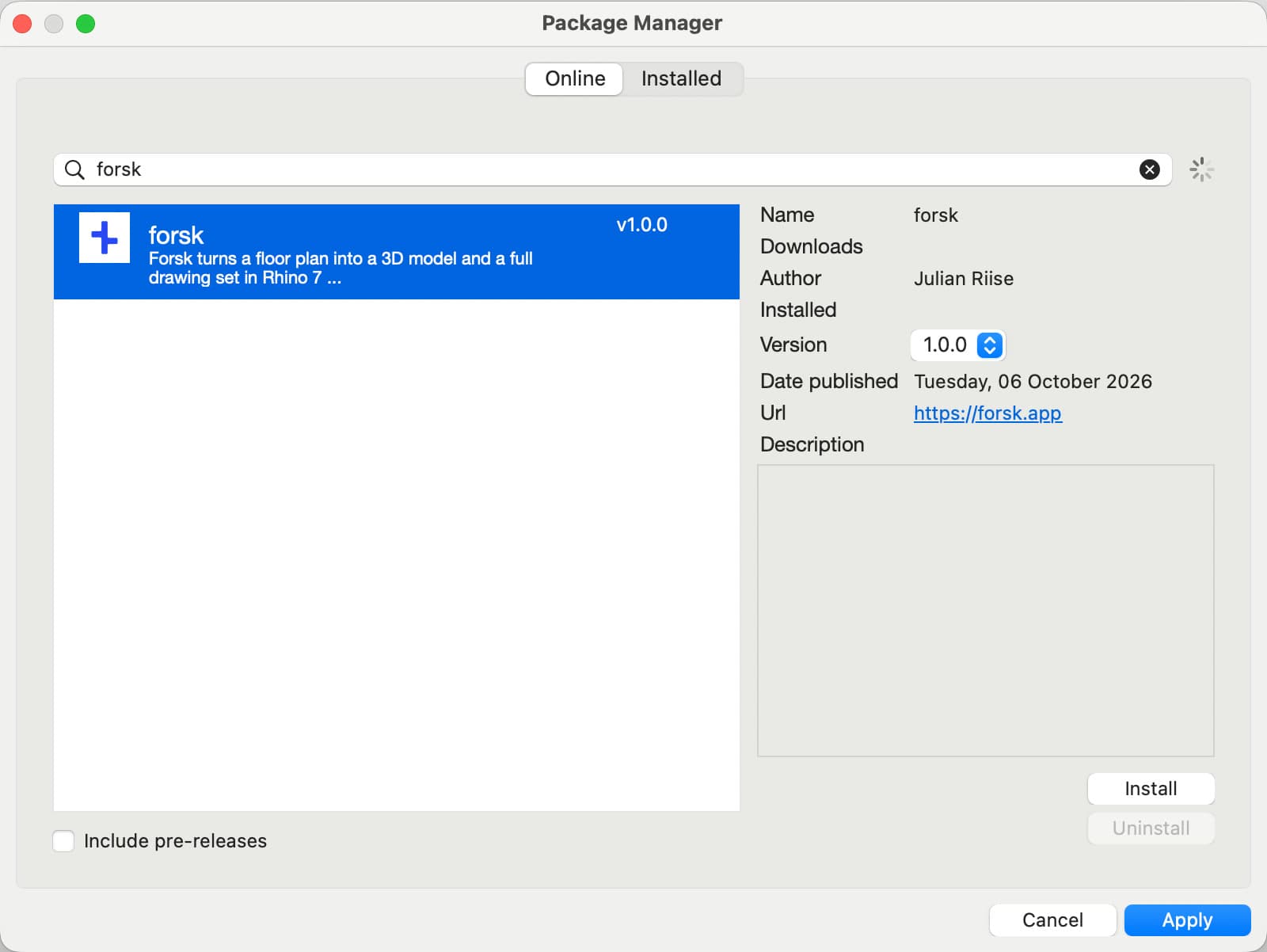
From Package Manager
- Open Rhino 7.
- Choose Tools → Package Manager. You can also type PackageManager and press Return.
- Search for forsk, select it and click Install, then Apply.
- Quit Rhino 7 and open it again.
- Type Forsk and press Return. The Forsk panel opens.
From the download
If you can’t use Package Manager, install from the file instead.
- Download the newest Forsk .macrhi from Food4Rhino.
- Double-click it, or drag it onto Rhino 7 in the Dock.
- Quit Rhino 7, open it again and type Forsk.
Update
Open Package Manager, click Installed and select forsk. Pick the newest number under Version, click Install, then Apply. Quit and reopen Rhino 7.
Uninstall
- In Package Manager, click Installed, select forsk and click Uninstall, then Apply.
- Quit and reopen Rhino 7.
To also remove your Grok key and the tools Forsk downloaded, open Finder, choose Go → Go to Folder, type ~/.forsk and move that folder to the Trash.
Still stuck? Ask Support in the Forsk panel, or see open tickets.